Software for each person who uses it, and for everyone together.
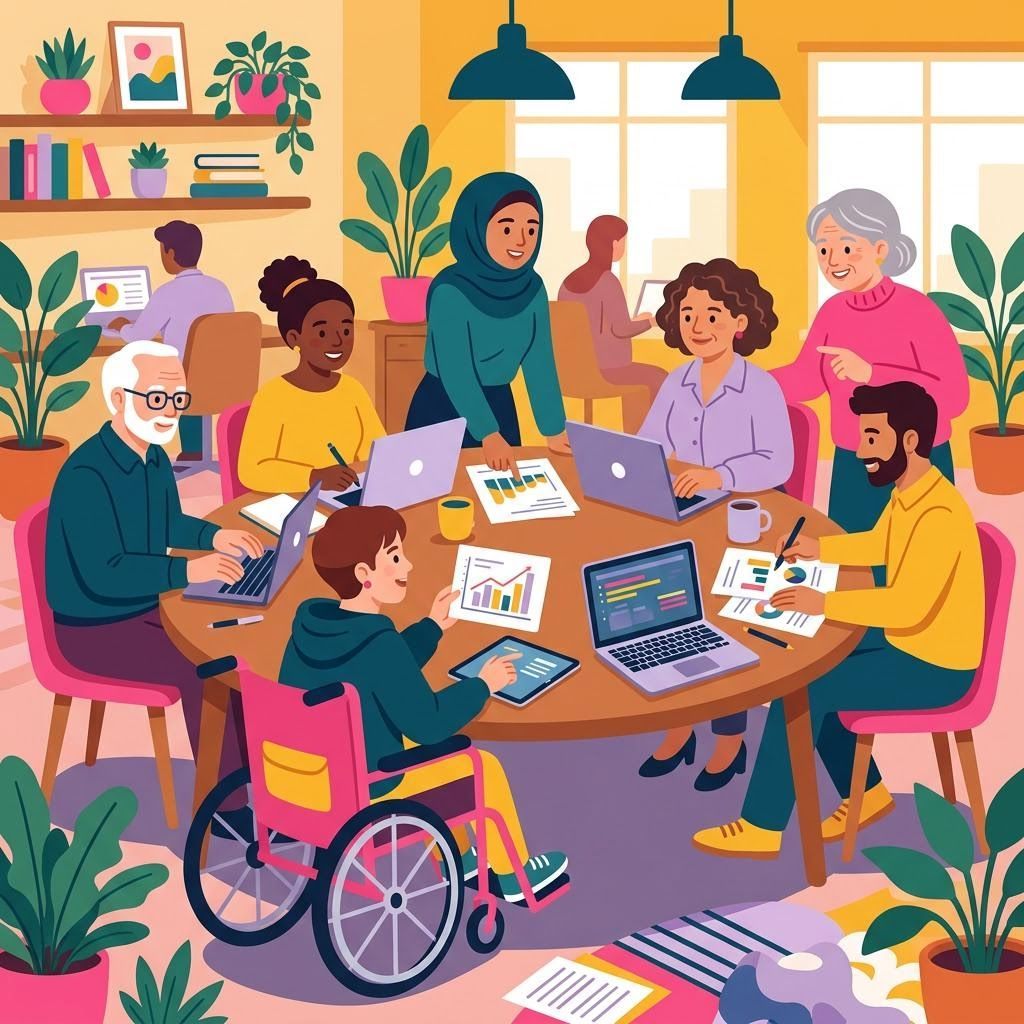
Each & Everyone Technologies builds software, processes data and provides IT services with the people at the centre: the colleague on a phone on the bus, the customer using a screen reader, the volunteer for whom English is a second language, the manager who just needs the report to make sense.
Software
Small, clear tools and web applications that fit how your people work. Software
Data
Lists, records and reports cleaned up, kept minimal and made readable. Data
IT services
Setup and friendly support that does not assume anyone is an expert. IT services
Technology tends to be designed for an imaginary average user. Nobody is that person for long.
Each & Everyone Technologies Ltd is a London company registered for software development, information technology services and data processing. We help small and medium-sized British organisations, community groups and teams build and run the everyday technology they depend on: an online booking form, an internal tool for tracking requests, a membership list that has grown messy, a set of laptops that need setting up properly.
What makes us different is a habit rather than a product. At every stage we ask who might find this hard, and why. Tired eyes, a small screen, a slow connection, a disability, a different first language, unfamiliarity with technology, or simply being in a hurry. Designing for those moments makes things better for everybody, which is where our name comes from.
Who "everyone" includes
These are not personas from a workshop. They are ordinary situations that most of us are in at some point, and they are the situations we test for.
Between appointments
Filling in a form on a small screen with one thumb and patchy signal. Needs short pages, big targets and saved progress.
Listening, not looking
Navigates by headings and labels. Needs proper structure, described images and buttons that say what they do.
Reading carefully
Understands plain sentences easily and idioms poorly. Needs short words and consistent terms.
Not technical, not wanting to be
Needs to know what will happen when they press a button, and how to undo it.
No mouse today
Through injury, preference or equipment. Needs visible focus and nothing that only works on hover.
What we do
Software that fits the people using it
We design and build modest, well-made software: web forms and small web applications, internal tools for tracking work, simple databases with friendly screens, and improvements to software you already have. Every piece is tested with a keyboard, on a phone, at larger text sizes and with a screen reader before we call it done.
- Online forms and request systems
- Internal tools replacing fragile spreadsheets
- Accessibility improvements to existing web pages
Data processing
Tidying contact lists, merging duplicates, fixing formats and producing readable summaries, while collecting and keeping as little personal data as possible.
IT services
Setting up devices and accounts, everyday help and plain-English guides for your team.
One team, three skills
Most organisations need a bit of each: a form (software) that feeds a list (data) that people reach on laptops we helped set up (IT). Working across all three avoids the gaps where things usually fall through.
You can ask for one piece or for all of them. Either way, you get the same habits: plain language, careful testing, minimal data and honest limits.
Inclusion, in practice
Good intentions are easy to state. These are the specific things we do on every piece of work, so you can hold us to them.
Plain words first
Labels, buttons, errors and help text are written in short, everyday English before any visual design.
Keyboard and screen reader checks
We navigate every screen without a mouse and with a screen reader, and fix what gets in the way.
Readable at any size
Pages are checked at large text sizes and narrow screens without content being cut off.
Contrast and colour
Colour is never the only signal; text contrast is measured, not guessed.
Kind error messages
Errors say what went wrong and how to fix it, and keep what the person already typed.
Ask only what is needed
Every field on a form has a reason. If nobody can say what the answer is for, it goes.
We design toward the Web Content Accessibility Guidelines (WCAG) and test our work, but we do not hold or claim any accessibility certification. How we include people
Data, handled kindly
Data is about people, so we treat it that way. When we process a list or a set of records for you, we start by asking which fields are actually needed and remove the rest before we begin. Names are stored the way people write them, not forced into "first" and "last" boxes. Optional means optional.
The result is a dataset that is tidier, smaller and safer, with a plain-English note explaining what was changed and why.
A typical clean-up
- Duplicate contacts merged under rules you approve
- Unused columns removed before processing
- Dates and phone numbers made consistent
- Free-text "notes" fields reviewed for things that should not be there
- A short summary of what is left and how it can be used
Try it: is that colour readable?
Low contrast is one of the most common reasons people struggle to read a website or a document. Pick two colours and see the ratio. On the tools page you will also find a plain-language checker and a form fairness review.
Colour contrast checker
Pick a text colour and a background colour. The checker calculates the contrast ratio used in the Web Content Accessibility Guidelines and shows whether it meets the commonly used AA and AAA levels for normal and large text.
How a project goes
- 1. A conversationWho will use this, what do they need to do, and what gets in their way today?
- 2. A short plan in plain EnglishWhat we will build or process, what we will not, what it costs and when you will see it.
- 3. Early, rough versionsYou and, ideally, some of the people who will use it try things early, when changes are cheap.
- 4. Careful checksKeyboard, screen reader, phone, larger text, slow connection, confusing moments.
- 5. Handover with guidesShort how-to notes written for the people who will actually use it, plus admin details for you.
- 6. Support afterwardsQuestions answered and small fixes made during UK working hours.
Support that does not make anyone feel silly
Our IT services and software support are built on a simple rule: there are no daft questions. We explain what happened and what we did, in words your team understands, and we write short guides so people can help themselves next time if they want to.
Support runs Monday to Friday, 09:00 to 18:00 UK time. We do not offer out-of-hours or emergency cover. How support works
We will
- Reply in plain English
- Explain the cause, not just the fix
- Write it down for next time
We will not
- Ask for your password
- Blame the user
- Close a question unanswered
Honest about our limits
We are a small technology company. We do not hold accessibility, security or quality certifications, and we do not claim partnerships with software vendors. We do not run data centres or provide round-the-clock monitoring; where hosting is needed we arrange it with established providers and tell you who they are.
We do not give legal advice on equality or data protection law. We do follow good practice carefully, and we will tell you when a question needs a qualified adviser. We do not publish testimonials or client lists on this website.
Learn something useful
Our learning pages are free to use: writing plain error messages, asking for names respectfully, making a document readable, and a short checklist for testing your own website with a keyboard. Share them with your team.
Ask for names well
One field, the way people write it.
Keyboard test in five minutes
Tab through your site and see what happens.
Say hello
Tell us what you are trying to do and who it is for. You do not need technical words; describe it however feels natural. Please do not include personal details about other people or any sensitive information.
platform@eacheveryonetech.trade
Monday to Friday, 09:00 to 18:00, Europe/London.
Each & Everyone Technologies Ltd
Company number 17237122
Registered office: 1 Harris Close, London, England, N11 3PG